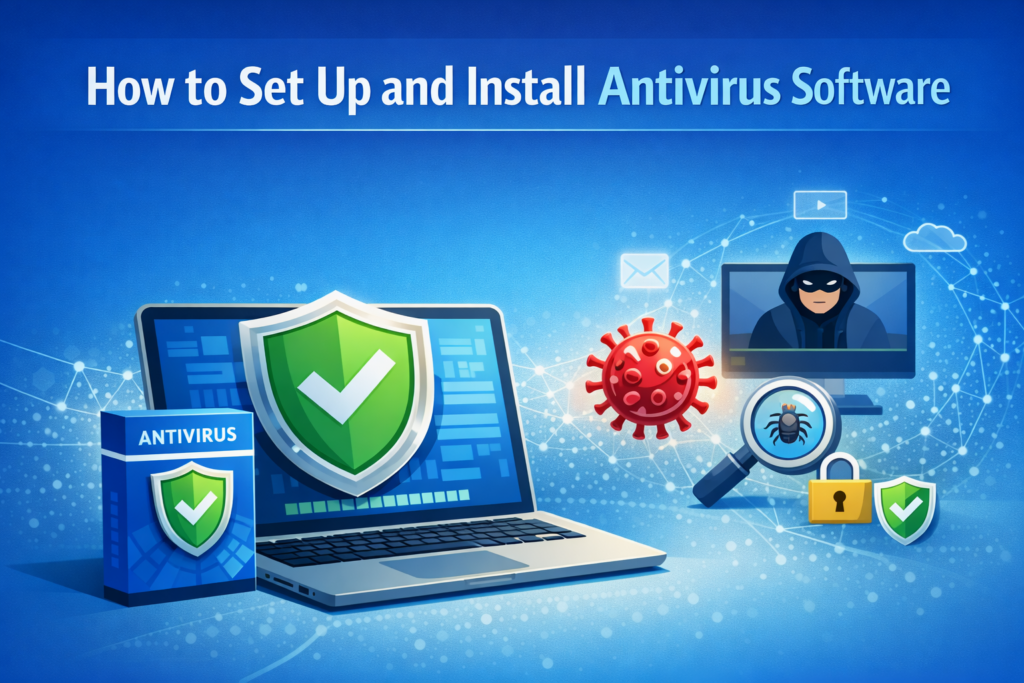
In today’s digital world, protecting your devices from cyber threats is no longer optional—it’s essential. Antivirus software acts as your first line of defense against malware, viruses, ransomware, and other malicious attacks. This guide will walk you through how to install and set up antivirus software, along with the key benefits it provides.
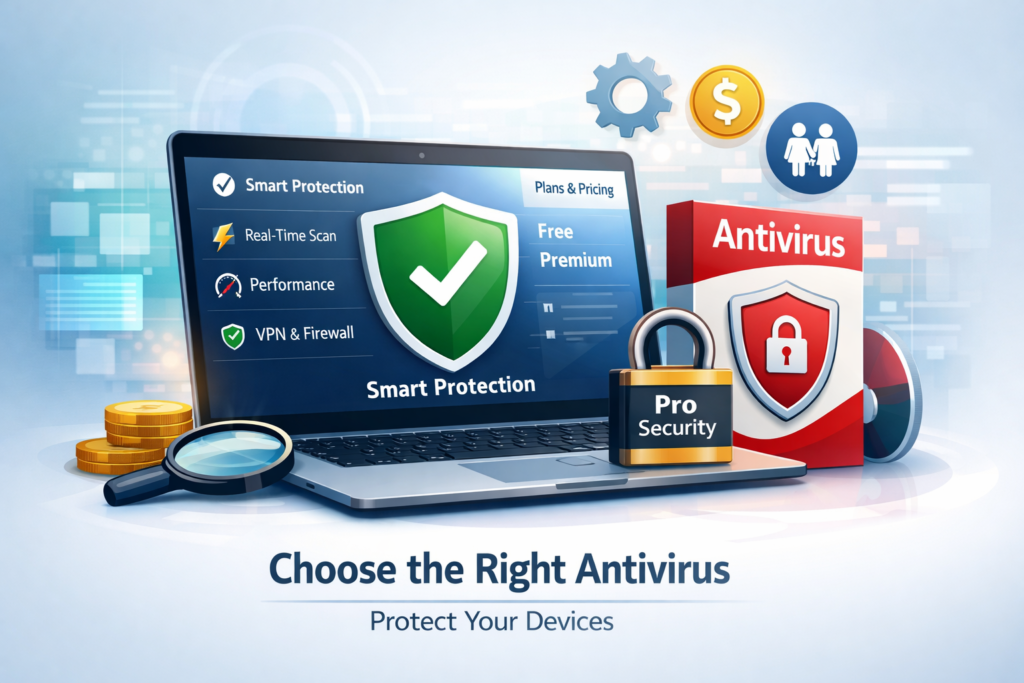
Choose the Right Antivirus
Start by selecting antivirus software that fits your needs. Consider factors such as:
Real-time protection
System performance impact
Price and subscription plans
Additional features (firewall, parental controls, VPN)
Free versions are available, but paid options often provide more comprehensive protection.
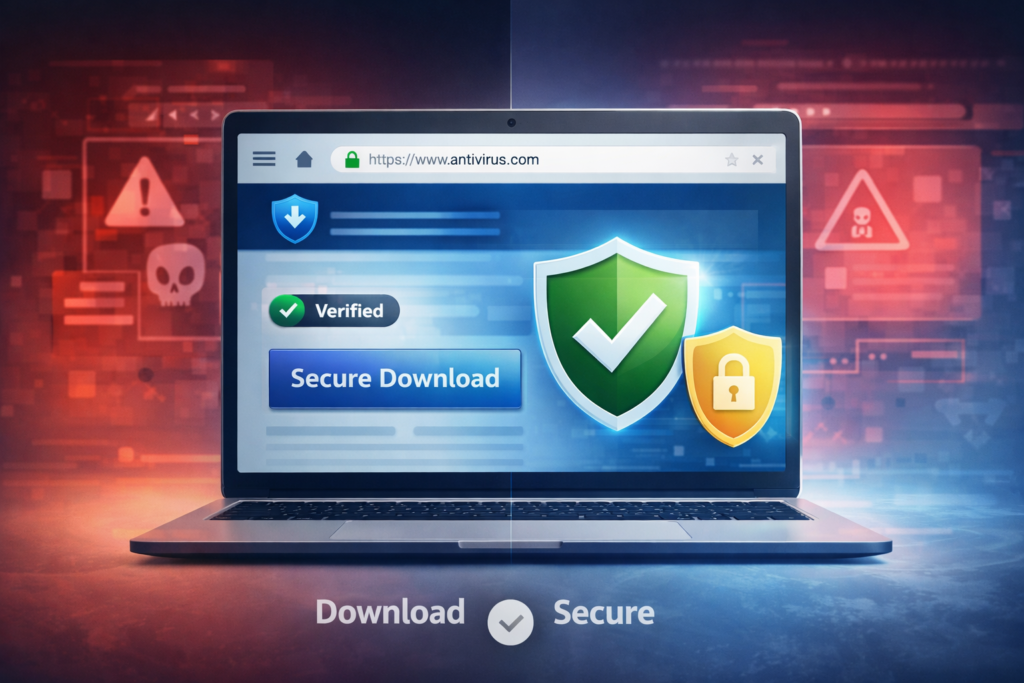
Download from a Trusted Source
Always download antivirus software from the official website or a reputable app store. Avoid third-party sites, as they may bundle malicious software.
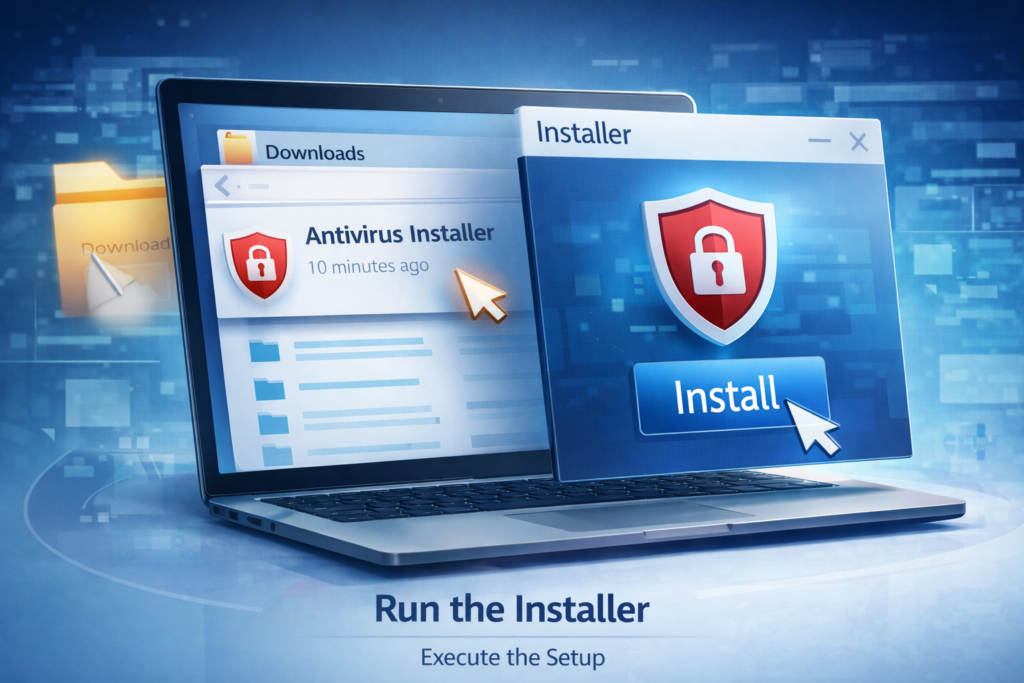
Run the Installer
Once downloaded:
Locate the installation file (usually in your “Downloads” folder)
Double-click to launch it
Follow the on-screen instructions
Most installations are straightforward and take just a few minutes.
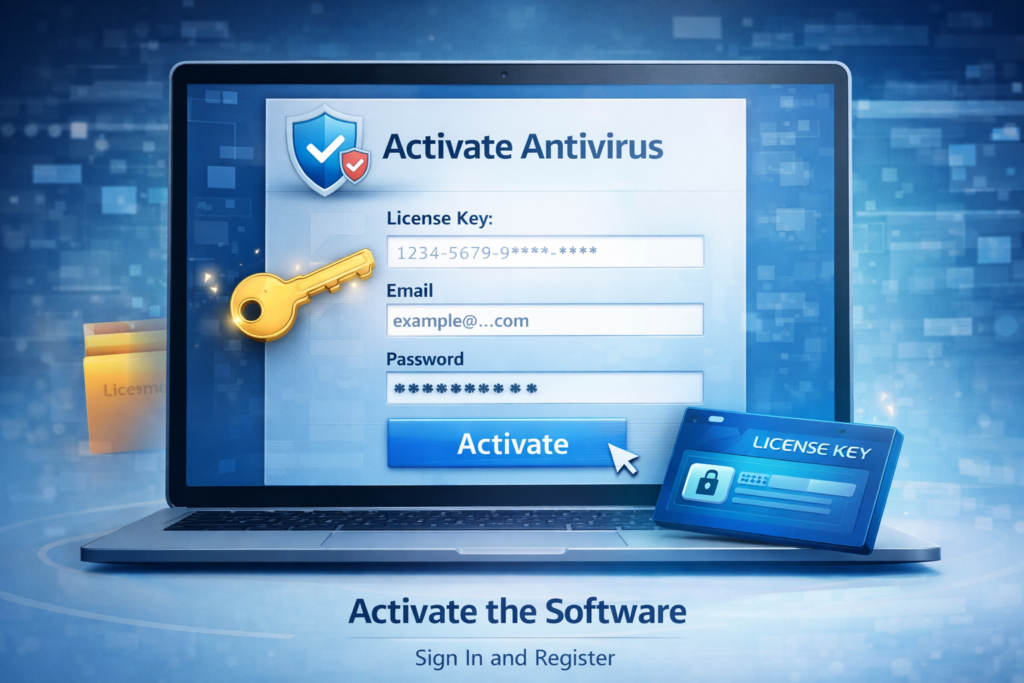
Activate the Software
After installation:
Enter your license key (if applicable)
Sign in or create an account
Activate your subscription
Update Virus Definitions
Before scanning your system, ensure the antivirus is up to date. This allows it to detect the latest threats
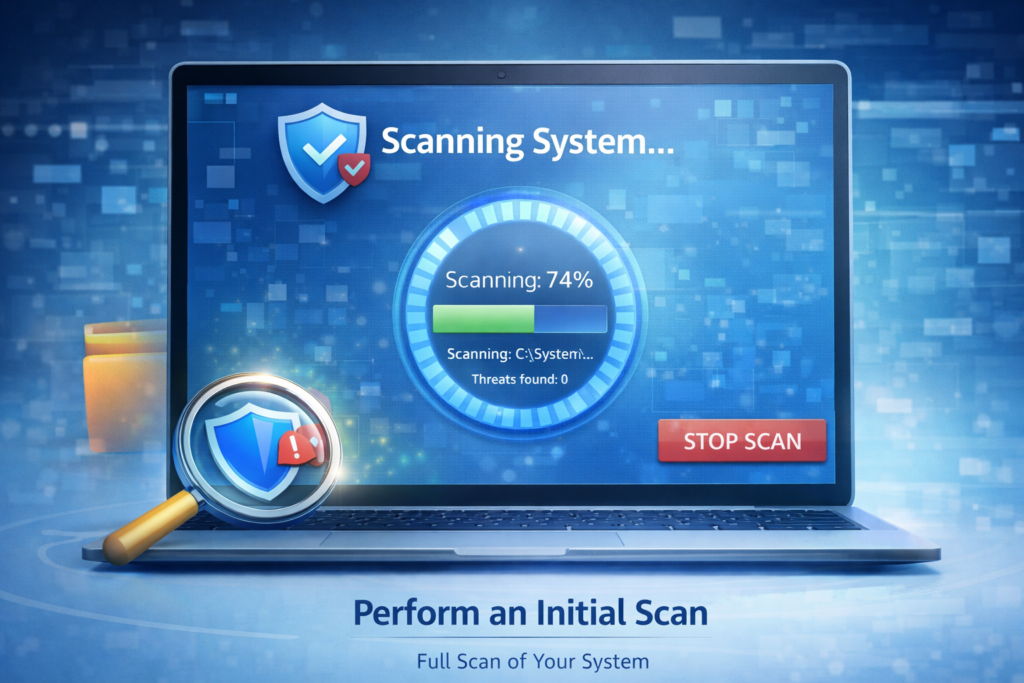
Perform an Initial Scan
Run a full system scan to check for any existing threats. This may take some time, depending on your system size.
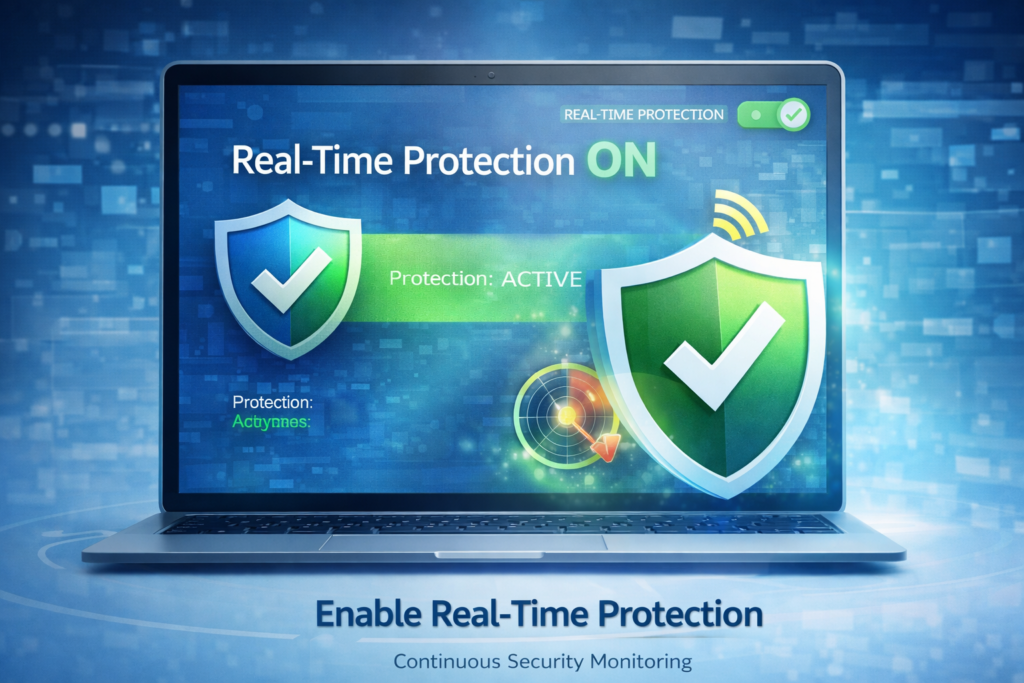
Enable Real-Time Protection
Make sure real-time protection is turned on. This feature continuously monitors your device for suspicious activity.
Benefits of Using Antivirus Software
1. Protection Against Malware and Viruses
Antivirus software detects and removes harmful programs that can damage your system or steal data.
2. Real-Time Threat Detection
Modern antivirus tools monitor your system continuously, preventing threats before they can cause harm.
3. Safer Browsing Experience
Many antivirus programs include web protection features that block unsafe websites and phishing attempts.
4. Data Security
They help safeguard sensitive information such as passwords, banking details, and personal files.
5. Improved System Performance
By removing malicious files and optimizing system processes, antivirus software can help your device run more smoothly.
6. Protection for Multiple Devices
Many subscriptions cover multiple devices, including smartphones and tablets, ensuring comprehensive security.
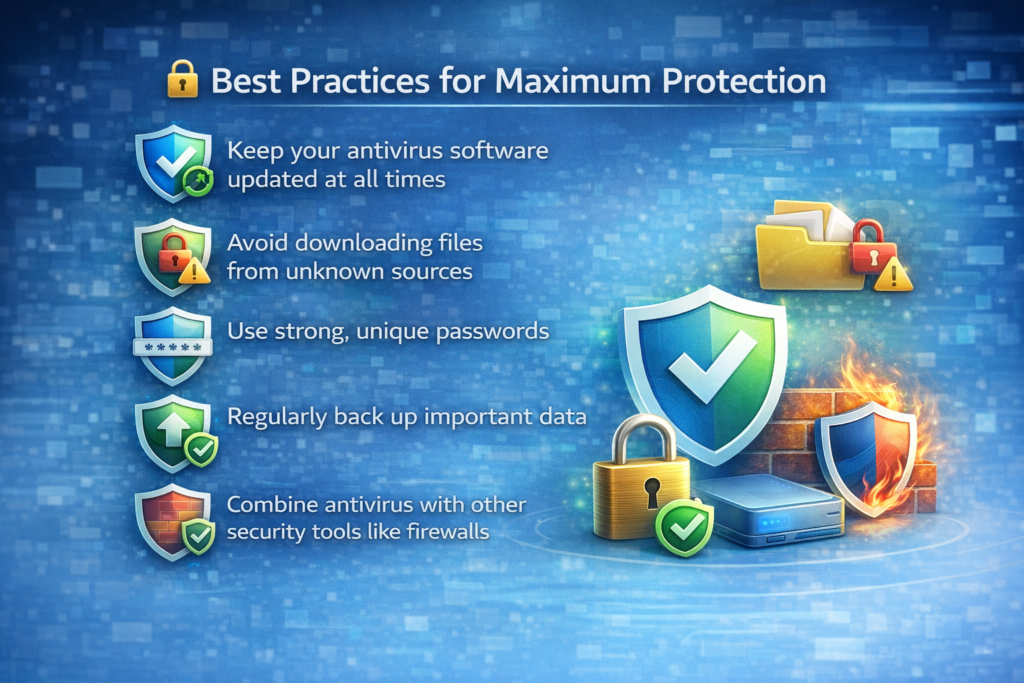
🔒 Best Practices for Maximum Protection
Keep your antivirus software updated at all times
Avoid downloading files from unknown sources
Use strong, unique passwords
Regularly back up important data
Combine antivirus with other security tools like firewalls
📞 Need Help? Contact Our Support Team
Setting up antivirus software can sometimes be confusing, especially if you’re not tech-savvy. If you need assistance with installation, activation, or troubleshooting, our customer support team is here to help.
👉 Call us today for quick and reliable support! Our experts are available to guide you step-by-step and ensure your device stays fully protected.
📌 Conclusion
Installing antivirus software is a simple yet powerful step toward securing your digital life. With just a few steps, you can protect your devices from a wide range of cyber threats and enjoy a safer online experience. Whether for personal use or business, antivirus software is an essential tool in today’s connected world.
Select the fields to be shown. Others will be hidden. Drag and drop to rearrange the order.